Best Resume Platforms for College Graduates in 2026

For recent college graduates, the clearest recommendation is an AI-powered, LinkedIn-synced resume platform that generates a tailored, ATS-optimized one-page resume for each job you apply to. JobAlign is built exactly for that workflow.
Here is why that matters right now:
- Handshake reports that most employers use automated screening software, and that early-career candidates perform best with a single, focused page tailored to the job.
- JobAlign claims an 87% ATS pass rate by syncing your LinkedIn profile, extracting job-description keywords, and generating a machine-readable PDF resume automatically.
- WayUp lets students auto-build a profile in roughly 30 seconds and gain exposure to thousands of U.S. employers, which shows how fast a well-structured resume can open doors.
The core logic: garbage in, garbage out. A generic resume sent to 40 jobs will not outperform a tailored one sent to 10. The platforms below help you close that gap fast.
Key Takeaways
For recent college graduates, the single most effective move is generating a tailored, ATS-optimized one-page resume for each job application rather than sending one generic document everywhere.
Table of Contents
- Which resume platforms should college graduates actually consider?
- How do you choose the right resume platform for an entry-level job search?
- What pricing and free options should college graduates expect?
- How do you build a one-page, ATS-friendly resume for entry-level jobs?
- Why JobAlign is built for the graduate job search
- What the conventional wisdom on resume tools gets wrong
- Get your first ATS-optimized resume from JobAlign
- Sources
Which resume platforms should college graduates actually consider?
Not all resume tools do the same thing. Zapier’s roundup of resume builders confirms that tools generally specialize in one of three functions: drafting, ATS scanning, or job distribution. Knowing which category you need saves time and money.
- LinkedIn export tools (e.g., JobAlign’s LinkedIn-to-resume feature): Pull your existing profile into a formatted, ATS-safe PDF in minutes. Best for grads who have a solid LinkedIn but no polished resume yet.
- AI draft + edit tools (e.g., Canva’s AI resume builder): Paste your resume text and a job description, and the tool generates a tailored draft you then refine. Good for grads who want a fast starting point and are comfortable editing.
- ATS-scanning optimizers: Score your resume against a job description and flag missing keywords or formatting problems. Most useful after you have a draft and want to pressure-test it before applying.
- Template libraries: Provide professionally designed layouts you fill in manually. Free tiers are common, but ATS safety varies widely. Check that the template uses a single-column layout before downloading.
- University career-center tools: Platforms like VMock are often free through campus accounts and give instant feedback on language, formatting, and keyword density. University of Michigan’s career center is one example of a school that curates these resources. Check your own school’s career portal before paying for anything.
For most grads, the fastest path is: LinkedIn export to get a base resume, then an ATS optimizer or a tailored-resume generator to personalize it per application.
How do you choose the right resume platform for an entry-level job search?
Use this checklist before committing to any tool.
Questions to ask:
- Does it import from LinkedIn, or do you have to type everything from scratch?
- Does it output a clean, single-column PDF that ATS parsers can read?
- Can it tailor the resume to a specific job description automatically, or do you do that manually?
- Does the free tier let you download a finished resume, or just preview it?
- Are templates ATS-safe, or do they use graphics, icons, and multi-column layouts that break parsing?
Red flags to avoid:
- Platforms that lock your finished file in a proprietary format you cannot export as a standard PDF.
- Templates heavy on graphics, text boxes, or tables. ATS parsers frequently fail on those elements, regardless of how good the content is.
- Hidden upgrade walls that reveal themselves only after you have spent 45 minutes building your resume.
A simple decision flow for grads:
- Get one ATS-ready base resume fast (LinkedIn sync or AI draft).
- Personalize it for each job by matching keywords from the posting to your experience. Our guide on tailoring your resume to a job posting walks through this step by step.
- Run an ATS scan before you submit. Fix flagged issues, then apply.
That three-step loop, repeated for each application, is what separates candidates who get callbacks from those who do not.
What pricing and free options should college graduates expect?
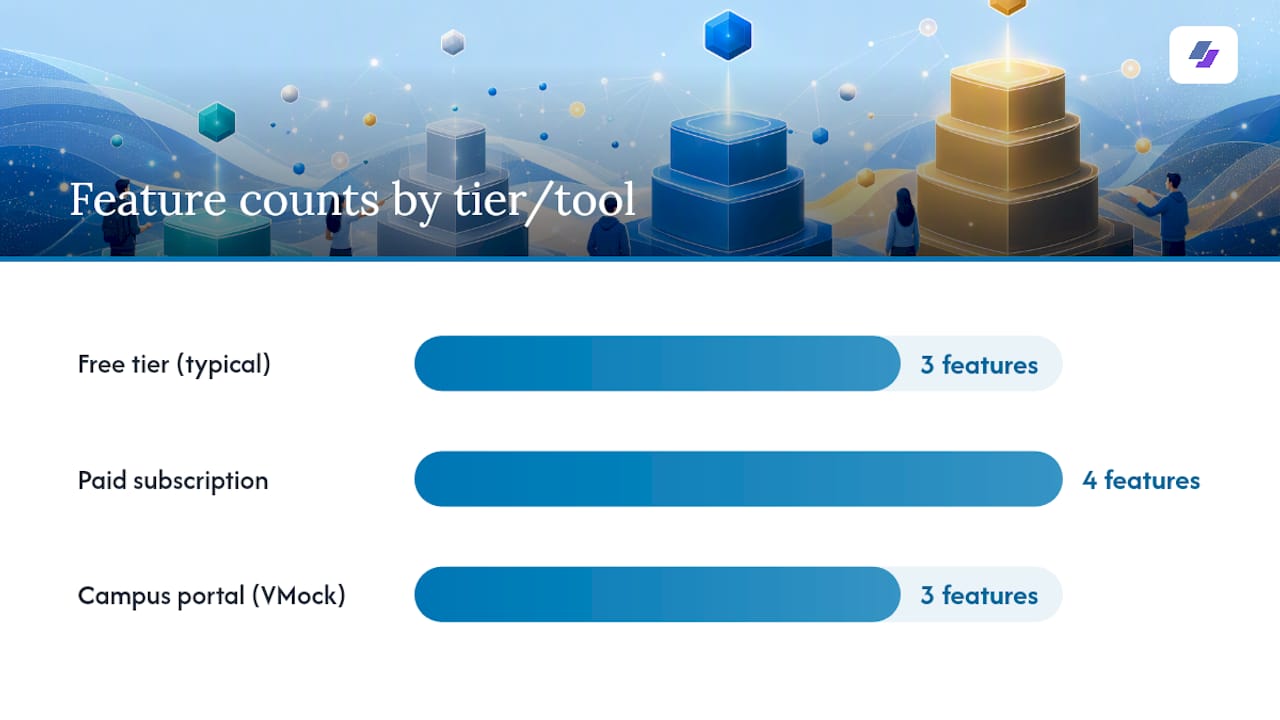
Most resume platforms follow a similar model: a free tier that lets you build and preview, and a paid tier that unlocks downloads, per-job tailoring, and premium templates.
Typical free-tier features:
- One resume download or a watermarked PDF
- Access to a limited template set
- Basic ATS feedback (sometimes)
What a paid subscription usually adds:
- Tailored resumes for every application you send
- Full template library with ATS-optimized designs
- LinkedIn import and automatic keyword extraction
- Priority support or live chat
CNET’s review of resume services recommends testing free plans before buying a subscription, which is solid advice. Most grads do not need a premium plan immediately. Start with what is free, get your first ATS-ready resume out the door, and pay only when you are applying at volume and need a tailored version for every posting.
Pro Tip: Before spending anything, check your university career portal. Tools like VMock are often free through campus accounts and provide instant scoring on language, formatting, and keyword strength. That is a no-cost first pass that many grads skip entirely.
How do you build a one-page, ATS-friendly resume for entry-level jobs?
A one-page resume is not a limitation. For a recent grad, it is a signal that you understand what recruiters need. Indeed’s graduate resume guide prioritizes contact information, a concise summary, education details, and targeted measurable bullets for internships and projects. Here is how to put that into practice.
Step-by-step build:
- Top third first. Your name, target role, phone, email, and LinkedIn URL go at the very top. Below that, two or three bullets summarizing your strongest outcomes (internship results, GPA, if it is considered strong, such as above 3.5, a relevant project metric). Recruiters spend roughly seven seconds on a first scan, and the top third is what they read.
- Education block. Degree, institution, graduation year. Add relevant coursework or honors only if they directly support the role.
- Experience section. Each role gets two to four bullets. Lead every bullet with a strong action verb (managed, built, analyzed, reduced) and close with a measurable result. “Managed social media accounts” is weak. “Increased Instagram engagement significantly over one semester by shifting to video-first content” is what gets you past the seven-second scan.
- Skills section. List hard skills and tools relevant to the job. Match the exact terminology from the job description. Our ATS resume keywords guide shows where to place them for maximum scoring impact.
- **ATS formatting check: use a single column and standard fonts such as Arial, Calibri, or Georgia at 10–12 pt; avoid tables, graphics, and text boxes. Save as PDF.
One-page layout reference:
Pro Tip: When tailoring for multiple applications, keep a “master” version with every bullet you have ever written. For each new job, copy the master, delete bullets that do not match the posting, and swap in the exact keywords from the job description. You can do this in under 10 minutes once the master exists.
A note on AI drafting tools: if you use a platform like Canva’s AI resume builder to generate a draft, paste only what you are comfortable sharing. Platform-native tools keep your data under that service’s privacy protections. Copying your full work history into an open chatbot is a different risk profile.
Why JobAlign is built for the graduate job search
Most resume tools make you do the hard work: read the job description, figure out which keywords matter, rewrite your bullets, and hope the formatting survives ATS parsing. JobAlign automates that loop.
What the platform does for you:
- Syncs directly with your LinkedIn profile so you are not starting from a blank page.
- Reads the job description you paste in and extracts the keywords that ATS systems score for.
- Generates a tailored, single-column PDF resume using ATS-optimized templates designed to pass automated screening.
- Lets you generate a tailored resume per job posting, so applying to 20 jobs does not mean 20 hours of manual editing.
The graduate workflow inside JobAlign:
- Connect your LinkedIn profile.
- Paste the job description for the role you want.
- JobAlign generates a tailored resume with the right keywords in the right places.
- Review, adjust if needed, and download the ATS-compatible PDF.
- Apply.
Resumes generated through JobAlign’s platform are reported to achieve an ATS pass rate of approximately 87%, compared to roughly 75% for generic resumes that automated systems often reject before human review.
That gap is the whole argument for using a purpose-built tool. Hiring Lab’s labor-market research reinforces why tailoring matters: early-career candidates face the most competitive screening conditions, and a resume that mirrors the job description’s language scores measurably better. Handshake’s Resume Optimizer makes the same point from the student side: one focused, tailored page consistently outperforms a longer, generic one.
What the conventional wisdom on resume tools gets wrong
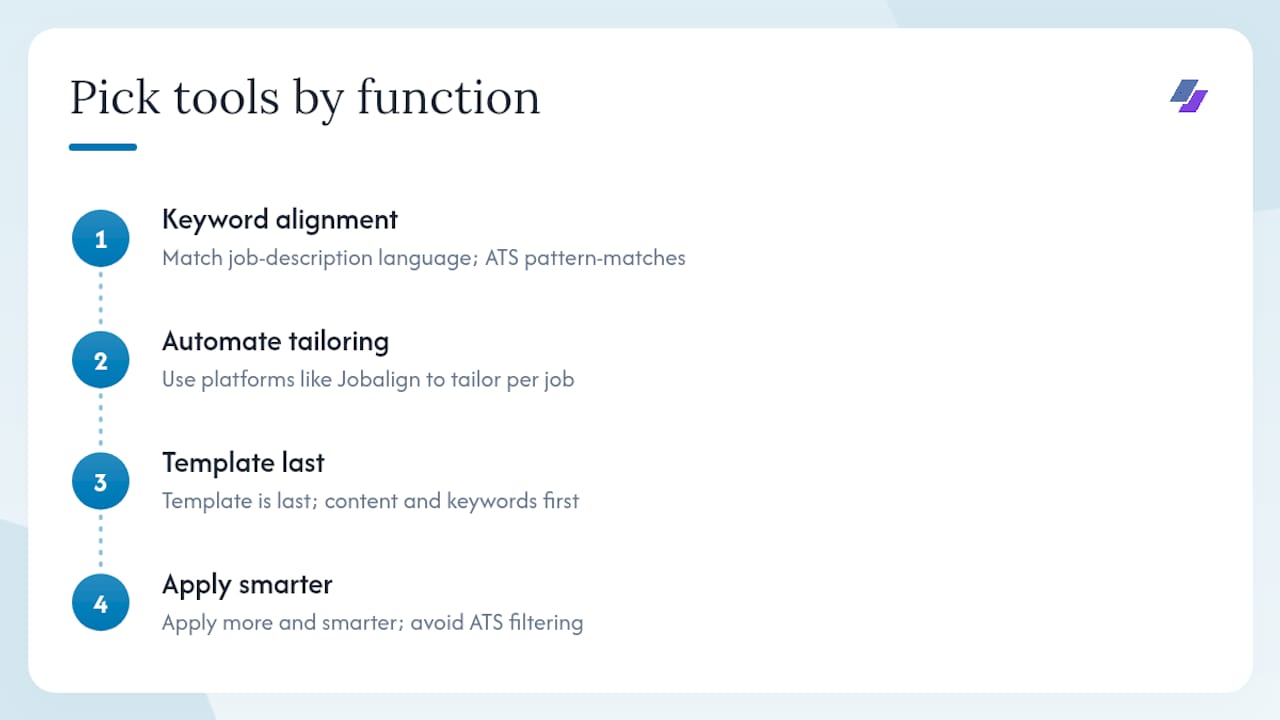
Most advice tells graduates to pick “the best resume builder” as if that is a single product. It is not. The question is which function you need right now: a fast draft, an ATS scan, or per-job tailoring at scale.
Grads who spend two hours perfecting a beautiful template and then send it to 50 jobs untailored are doing the work in the wrong order. The template is the last thing that matters. The first thing is keyword alignment: does your resume use the same language the job description uses? ATS systems are not reading for quality. They are pattern-matching against a scoring grid.
The second mistake is treating the resume as a finished document. It is not. It is a starting point that should change for every application. That sounds like a lot of work, and it is, if you are doing it manually. The reason platforms like JobAlign exist is to make that per-job tailoring automatic, not optional.
One more thing worth saying: NCES data on post-graduation outcomes shows that early-career job placement varies significantly by field and timing. The grads who move fastest are not necessarily the most qualified. They are the ones who apply more, apply smarter, and get their resumes in front of humans instead of getting filtered out at the ATS stage.
Get your first ATS-optimized resume from JobAlign
Your LinkedIn profile already contains most of what a strong resume needs. JobAlign turns it into a tailored, ATS-ready PDF in minutes, without manual reformatting or keyword guesswork.
- Free to start: Connect your LinkedIn and generate your first ATS-optimized resume at no cost.
- Credit packs: One credit per job application, plus the full template library and keyword extraction for every posting.
- Time to first resume: Most grads have a finished, downloadable PDF within a few minutes of connecting their profile.
Start your free resume on JobAlign and see your ATS score before you apply to a single job. When you are ready to apply at volume, review JobAlign’s pricing to find the plan that fits your search.
Sources
These resources cover the main areas this article draws from. Each is worth bookmarking if you want to go deeper on a specific topic.
- Resume Optimizer | Handshake
- WayUp — Powered by Yello · Jobs, Events & Career Tools for US Students
- Best resume builder roundup — Zapier
- Resume Resources - University Career Center
- How To Write a College Graduate Resume (With Example)
- Best Resume Writing Services for College Grads, Career …
- Hiringlab